
Connected stack
Vertex Labs
01
Track work, share code, and keep docs close. Central Codi cuts tabs, pings, and guesswork.
02
Vertex Labs
03
Northwind
04
Orion Stack
BUILT FOR TEAMS
Keep project boards, snippets, API docs, Git links, and deployment notes in one workspace. Central Codi helps software teams, freelancers, and startups ship faster with less tab switching.
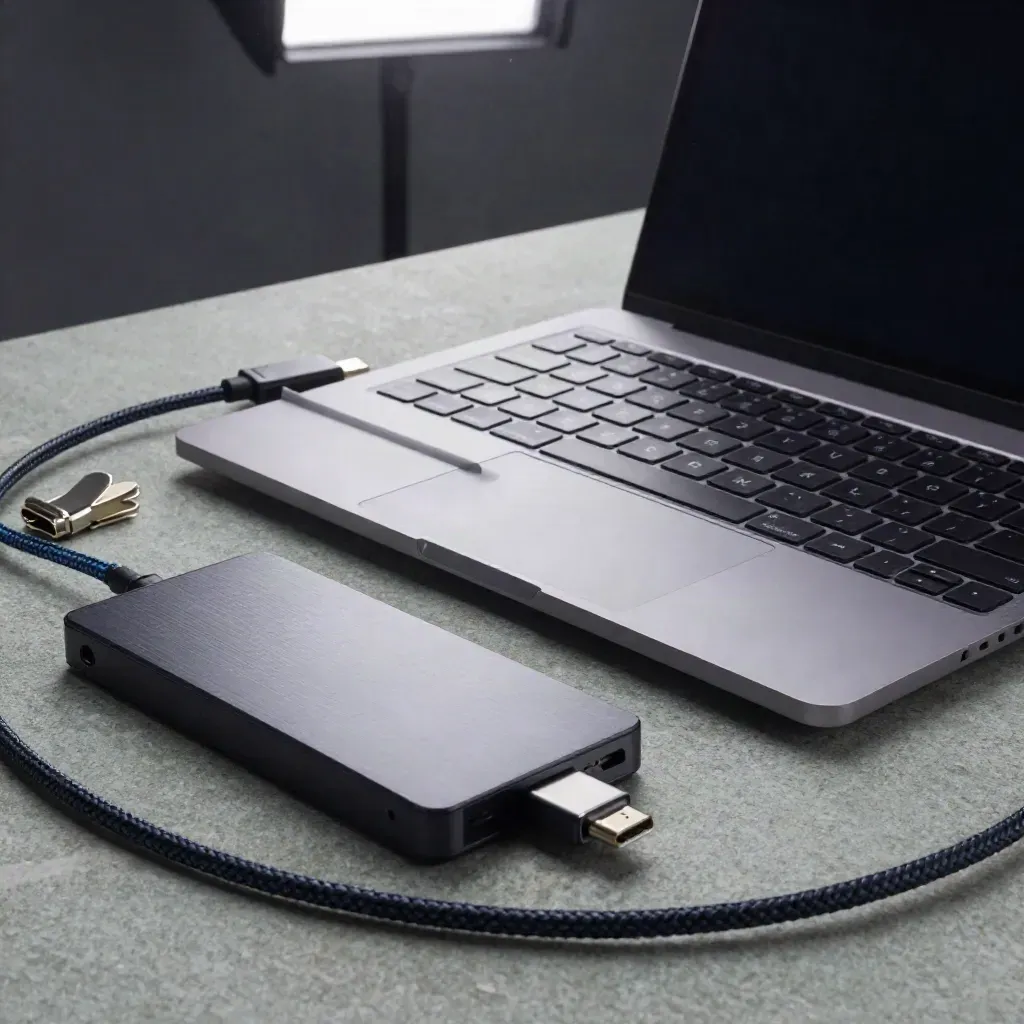
Connected stack
Track work, share code, and keep docs close. Central Codi cuts tabs, pings, and guesswork.
Vertex Labs
Northwind
Orion Stack





CORE TOOLS
See tasks, docs, and deploy notes in one view.

See tasks, docs, and deploy notes in one view.
Save, tag, and reuse code blocks across every team.
Track bugs, handoffs, and release work by owner.

Write and read API notes beside the code that uses them.
Link repos, branches, and pull requests to the same hub.

Leave notes on tasks, docs, and deploys without long threads.
TEAM USE CASES
Keep client work, code snippets, and notes in one clean board.
See tasks, docs, and deploy notes in one view.
Save, tag, and reuse code blocks across every team.
Track bugs, handoffs, and release work by owner.
Write and read API notes beside the code that uses them.
Use case 01
Keep client work, code snippets, and notes in one clean board.
Use case 02
Plan launches, share API docs, and track fixes without extra tools.

Use case 03
See work, reviews, and deploy notes fast so blockers show up sooner.
to set up

to set up
team rating
snippet saves
workspace uptime
PLANS
1 workspace 3 live projects 50 snippet saves Basic task board GitHub sync once a day
$0
1 workspace
3 live projects
50 snippet saves
Basic task board
$19
Unlimited projects
Unlimited snippet saves
Live GitHub sync
Shared task boards
Custom
Unlimited workspaces
GitHub and GitLab sync
Private snippet access
Audit logs and roles
Proof
“We cut tool sprawl and kept every project note close, which made handoffs much easier.”

Maya Chen
Head of Eng @ Brightframe
“Our team uses one board for snippets, docs, and release notes now, and it saves time every day.”
Ethan Cole
Founder @ Driftline
“Git links and comments live beside the work, so reviews move faster and less gets missed.”
Priya Shah
Engineering Manager @ North Peak
Integrations
Track work, share code, and keep docs close. Central Codi cuts tabs, pings, and guesswork.

Track work, share code, and keep docs close. Central Codi cuts tabs, pings, and guesswork.
Track work, share code, and keep docs close. Central Codi cuts tabs, pings, and guesswork.

Track work, share code, and keep docs close. Central Codi cuts tabs, pings, and guesswork.
Track work, share code, and keep docs close. Central Codi cuts tabs, pings, and guesswork.
The Map
Questions
Quick answers before visitors choose a product, service, or next step.
Central Codi keeps project boards, code snippets, API docs, Git links, and notes in one shared workspace.
Yes. Freelancers can keep client tasks, snippets, and deployment notes in one place without extra tabs for each job.
Yes. Connect GitHub or GitLab to sync repos, pull requests, and release notes inside Central Codi.
Yes. Add comments on tasks, docs, and deploy notes so your team can reply where the work lives.
Yes. The Free plan covers one workspace, three projects, and basic snippet and task tools to get started.
Yes. Enterprise teams get custom workspaces, access controls, audit logs, and help with rollout and setup.
Get short product updates, feature drops, and shipping tips in your inbox once a month.


